The app
Karing is a free, open-source client. Its download page holds the builds for every system in one place.
iOS
Android
Windows
macOS
Linux
Android TV
We have no app of our own yet. Karing does everything needed and runs everywhere, so that is what we use.
Karing is a free, open-source client. Its download page holds the builds for every system in one place.
The link appears here once the key is paid for: an unpaid key has none, because it has no access either.
Take the build for your system from the download page. If the site does not open, the same files are on GitHub.
Open Karing and press Add Profile on the main screen.
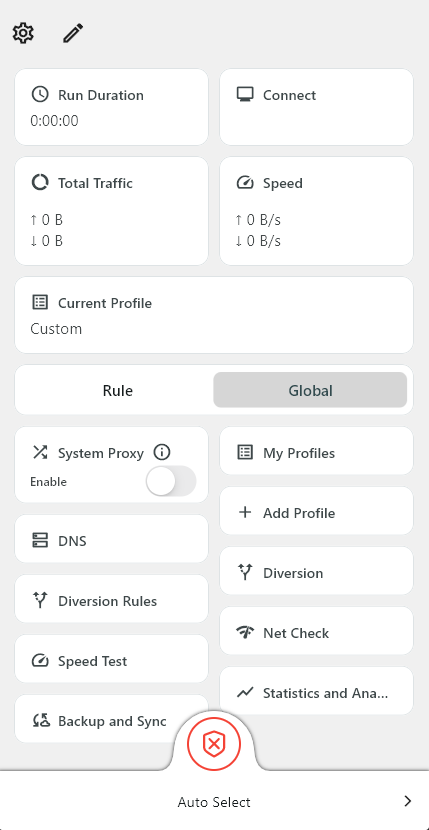
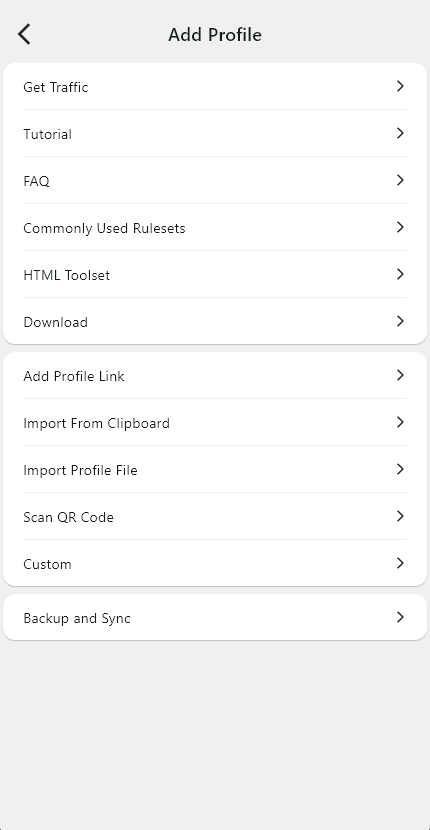
Copy the link from the Subscription link card, then choose Import From Clipboard. The server list arrives by itself.
Go to the settings and open TUN. Without it only programs that follow the system proxy go through the tunnel.
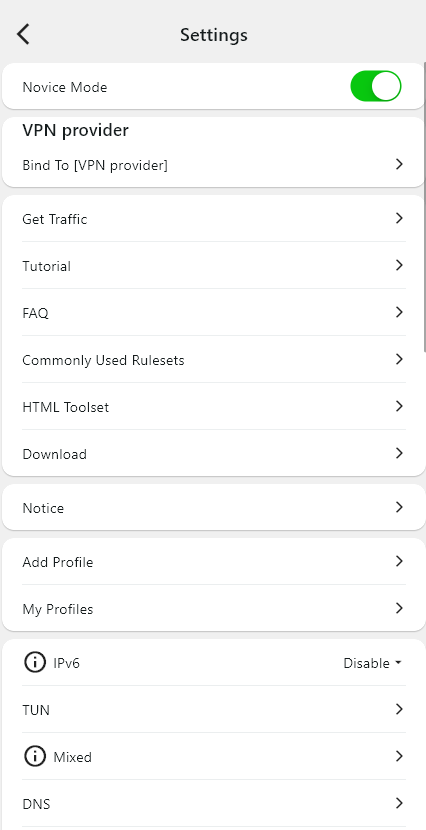
Switch TUN Mode on — now all traffic of the device goes through the tunnel, not only the browser.

TUN needs administrator rights. If Karing starts without them, TUN switches off again. Set it once: shortcut → Properties → Compatibility → Run this program as an administrator.
Pick the profile you imported and press Connect.
 AORAvpn